For writers, creators and curious people
A little practice before
the hard conversation.
Unawkward helps managers find their words before they need them. Here’s the story, a few useful details, and images you can use.
Download the press kit ZIP · Brand assets + 13 screenshotsAbout Unawkward
Unawkward is an iPhone app for practising difficult workplace conversations. Tell it what’s coming up, rehearse with an AI character who has reasons to push back, and get feedback based on what you said. Try another approach, then save a prep card to take into the real meeting.
It’s made for the conversations managers often feel unprepared for: giving feedback, setting boundaries and saying no. You can speak, type or choose a suggested reply.
- Made by
- Francisco Martínez, independent developer
- Available on
- iPhone, on the App Store
- Pricing
- Free to download, with an optional Pro subscription. See the App Store for local pricing.
- Contact
- hello@unawkward.app
Watch the demo
See a rehearsal from setup to feedback and the prep card.
Why I built it
When I started managing a team, I didn’t always know what to say. Suddenly there were conversations I was expected to know how to have, and I wanted somewhere to practise them first.
That became Unawkward: a place to stumble through the words, hear how they sound, and have another go. The part I care most about is leaving with an actual sentence to try in the real conversation.
Brand essentials
Paper, ink and two blue conversation bubbles. A few details to help Unawkward feel like itself wherever you feature it.
Typography
Geist
Headings, interface labels and general copy. Use regular, medium or semibold weights. Suggested lines from the coach use Geist too.
Newsreader
The manager’s own spoken words. Serif marks a personal quote, so keep it for words someone actually said, rather than headlines or suggested replies.
Colours
The two appearances share the same roles. Use the light palette on paper backgrounds and the dark palette on dark backgrounds.
| Role | Light | Dark |
|---|---|---|
| Background | #F5F4F1 | #0A0A0A |
| Primary text | #1A1A1A | #FAFAFA |
| Dusty blue accent | #526F88 | #9EBBD2 |
| Conversation surface | #EAF0F4 | #18232C |
| Mark: left bubble | #A9C8DC | #BDD9EA |
| Mark: right bubble | #526F88 | #80A8C5 |
The paired mark
Two sides of a conversation. These SVGs have transparent backgrounds and fixed colours, so they stay the same when you place them in a design.


Using the brand
- Write the name as Unawkward, one word. The logo’s uppercase treatment is for the wordmark.
- Keep both bubbles together, with their original proportions, colours and space around them.
- Choose the mark for the background it sits on. Don’t stretch, recolour or add effects to it.
- Use the mark to identify Unawkward, rather than as a generic chat icon.
- Keep screenshot text readable and link to unawkward.app when covering the app.
Icon and frameless screenshots
Original PNGs, without device frames. The conversations shown are examples.

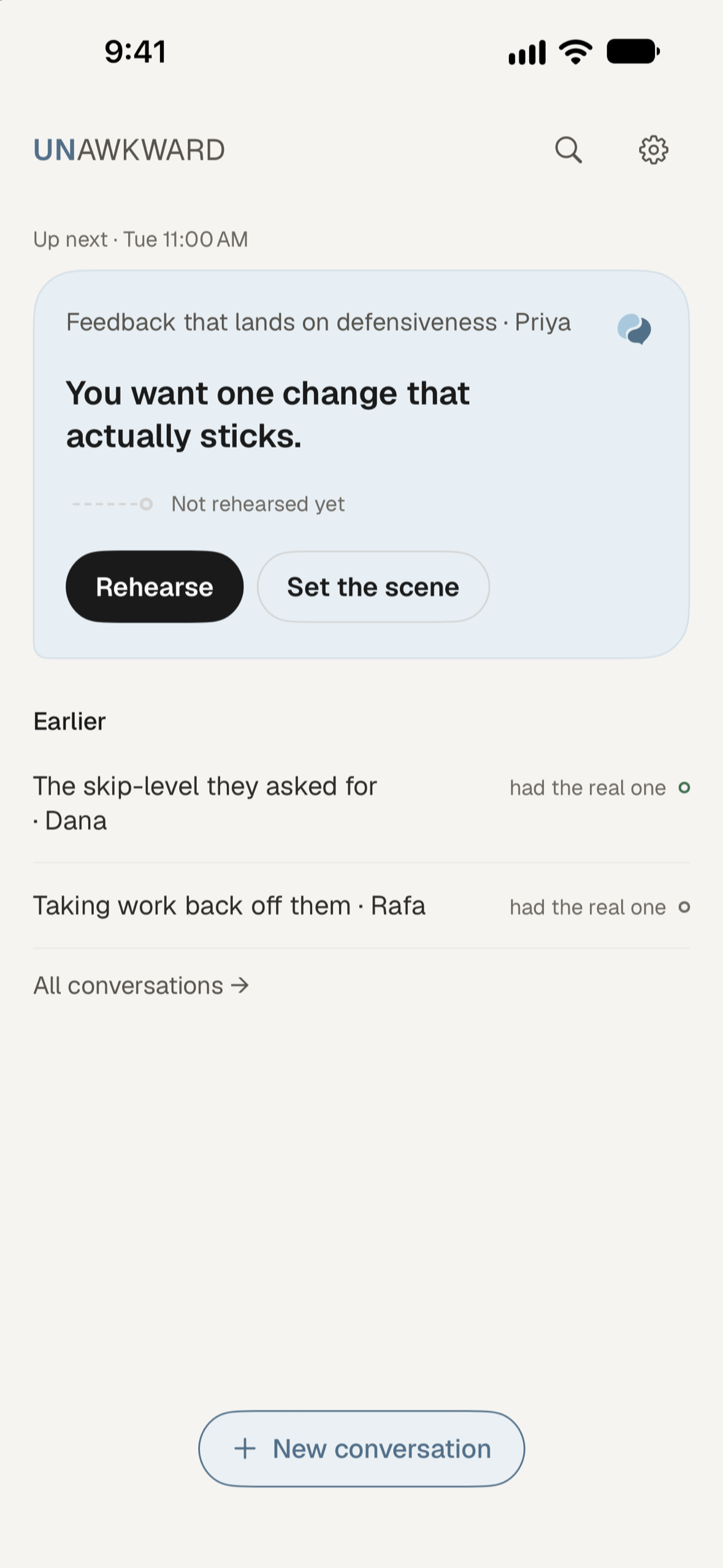
Home
Keep the next conversation in view.
Download PNG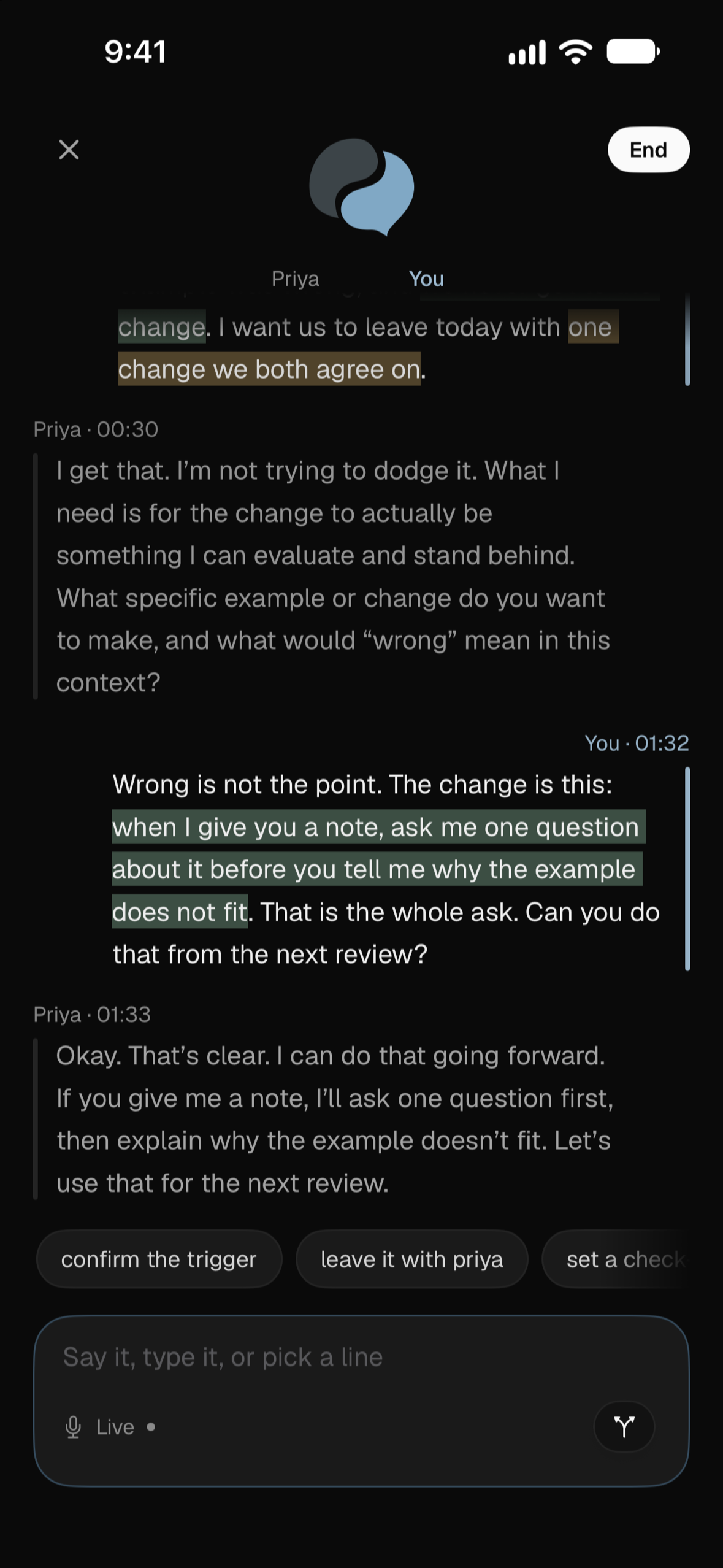
Rehearsal
Speak, type or choose a reply.
Download PNG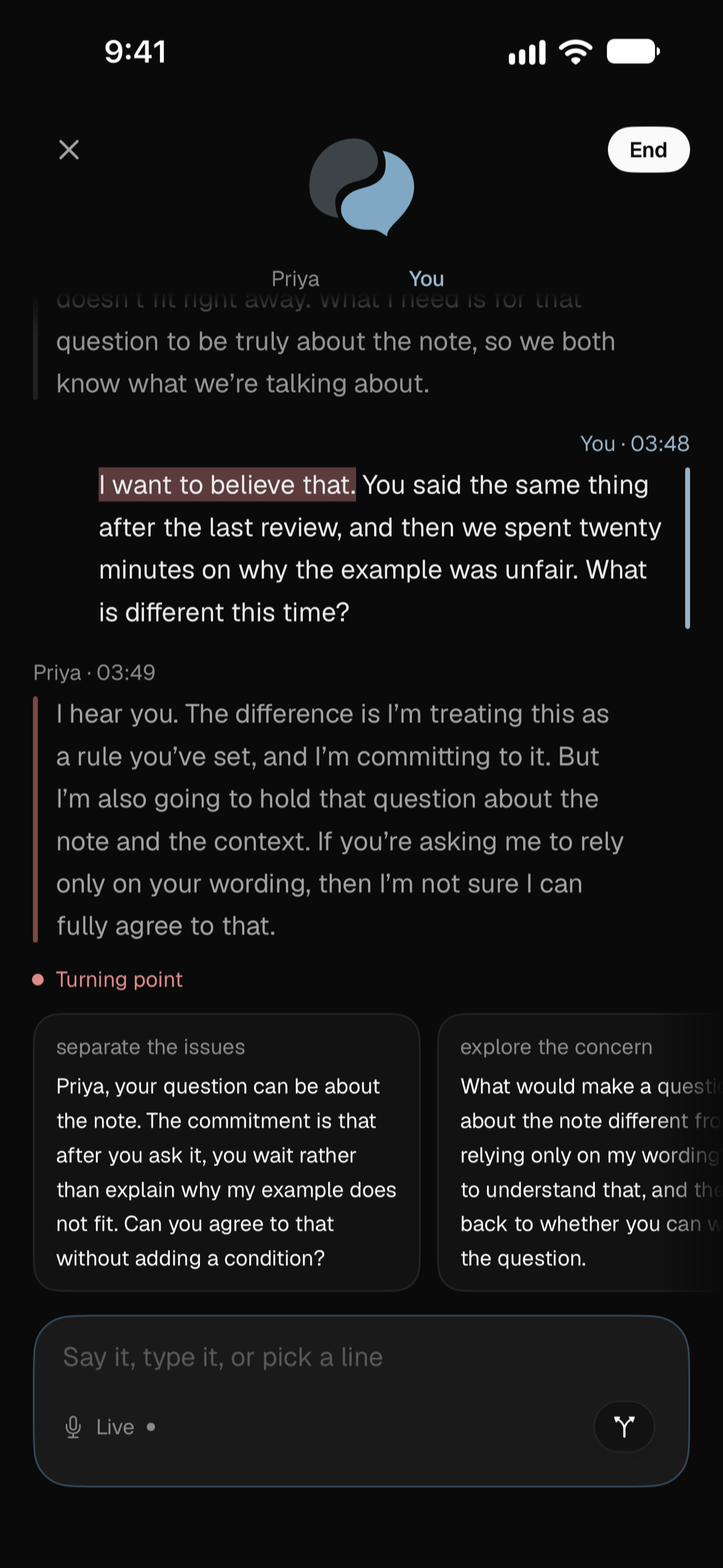
Turning point
Explore another way to respond.
Download PNG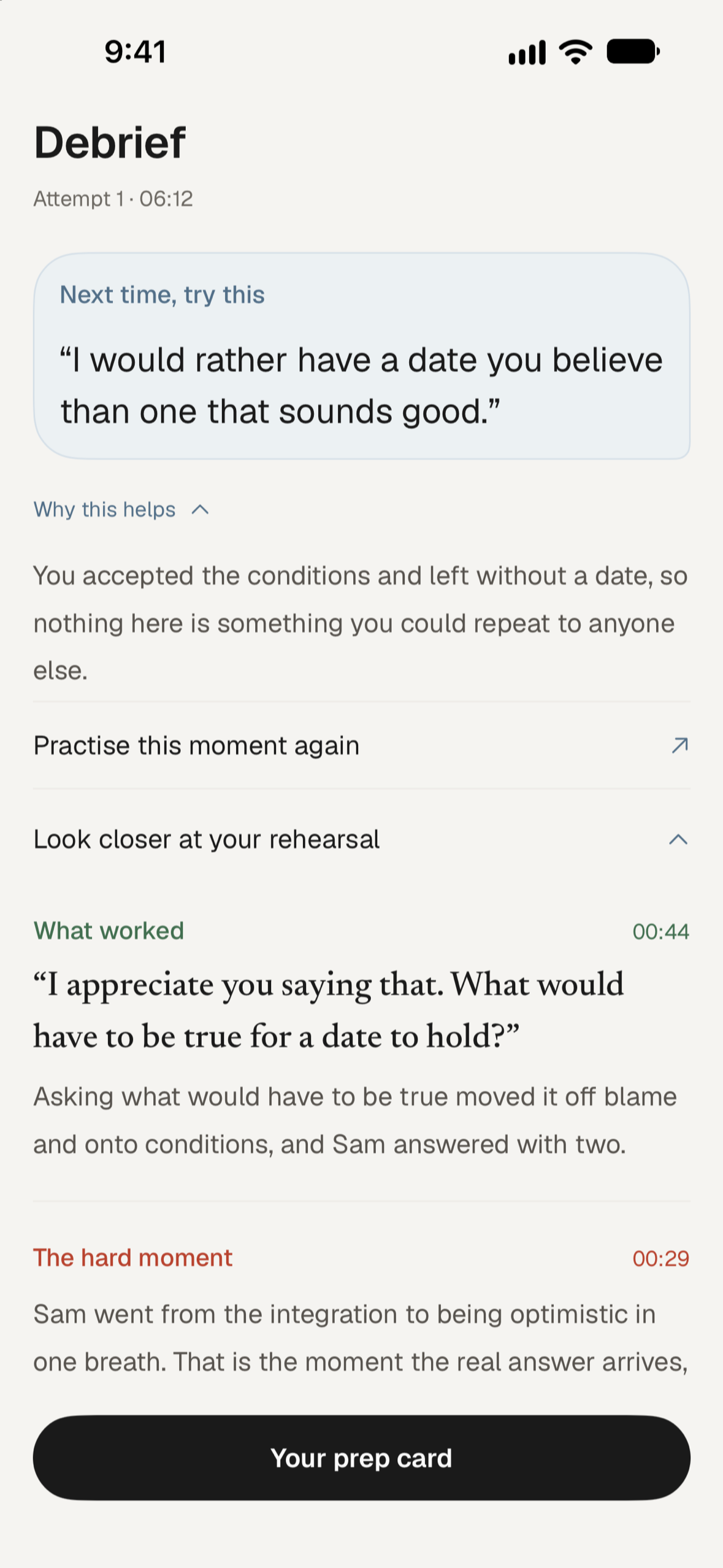
Debrief
Get feedback and a sentence to try.
Download PNG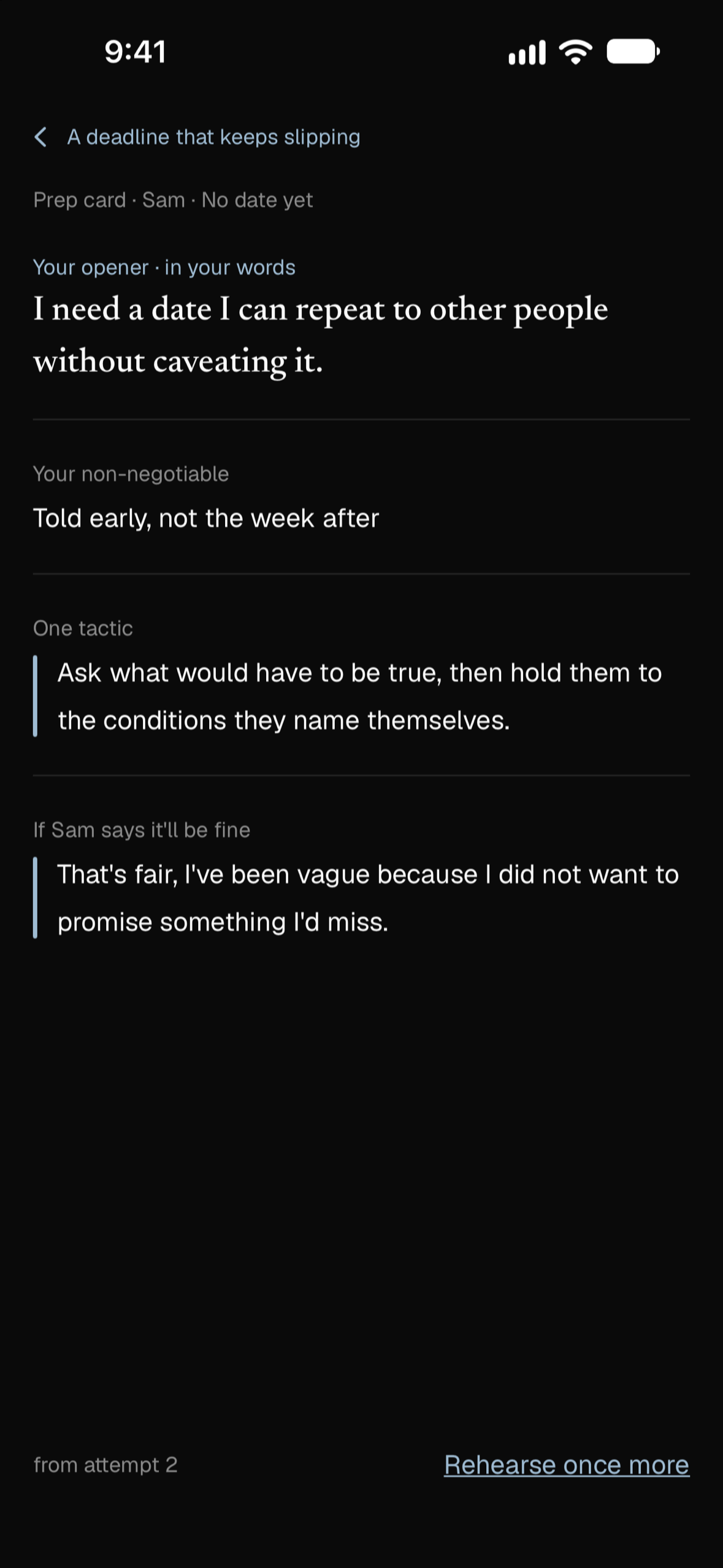
Prep card
Take your words into the real meeting.
Download PNG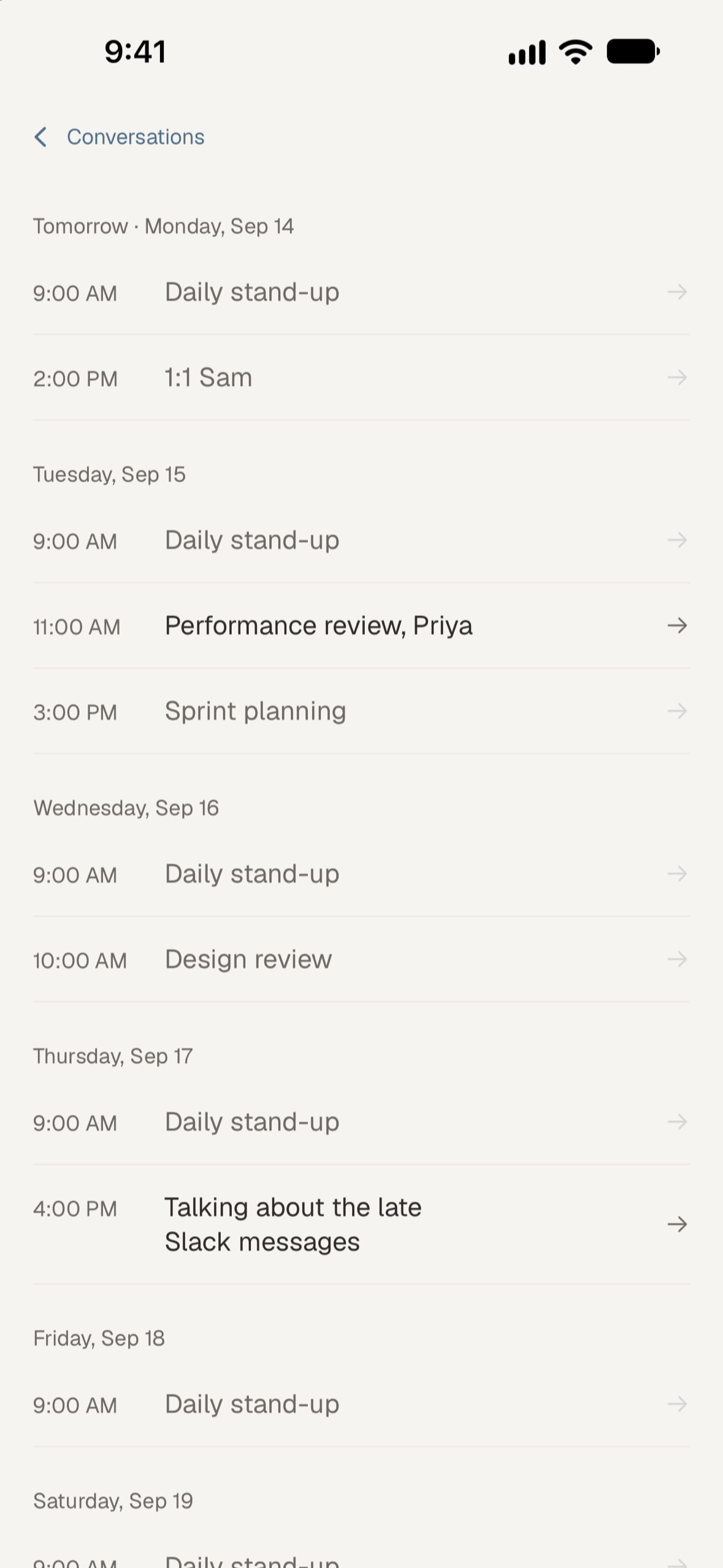
Calendar
Prepare for an upcoming conversation.
Download PNG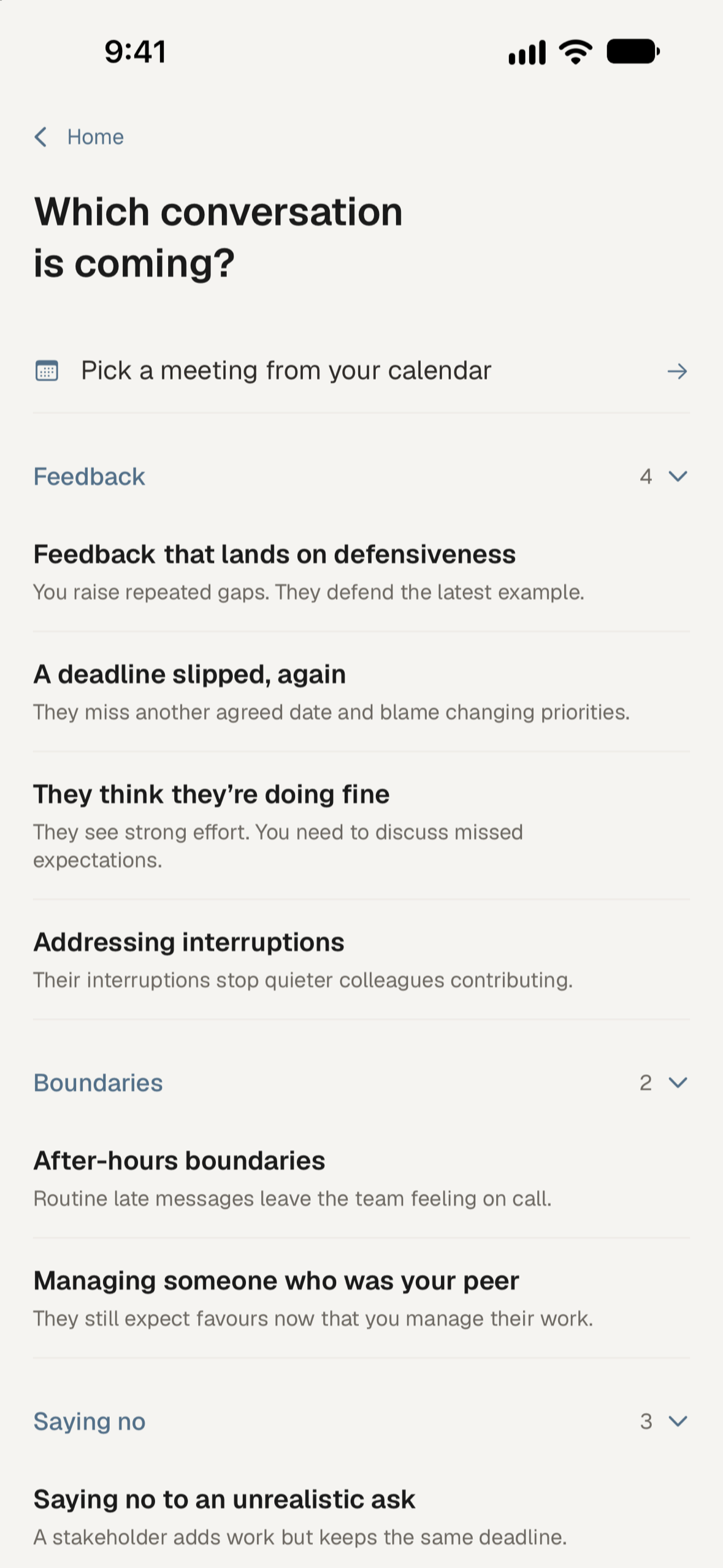
Scenario library
Practise feedback, boundaries and saying no.
Download PNGYou’re welcome to use these images when covering Unawkward. Please keep the icon’s colours and proportions intact, keep screenshot text readable, and link to unawkward.app.
App Store screenshots
The six App Store images, with captions and device frames. Download individual PNGs or find the full set in the press kit above.
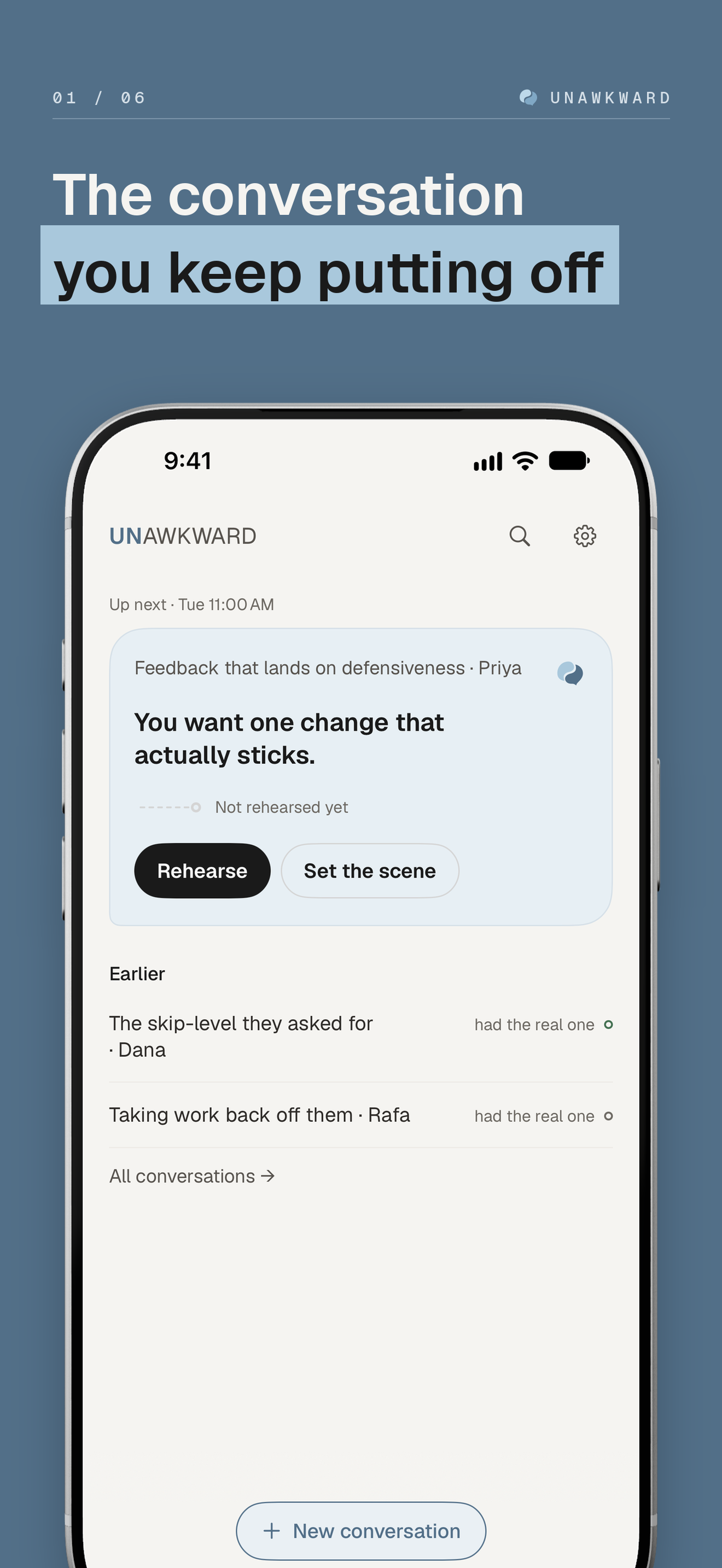
Home
Download PNG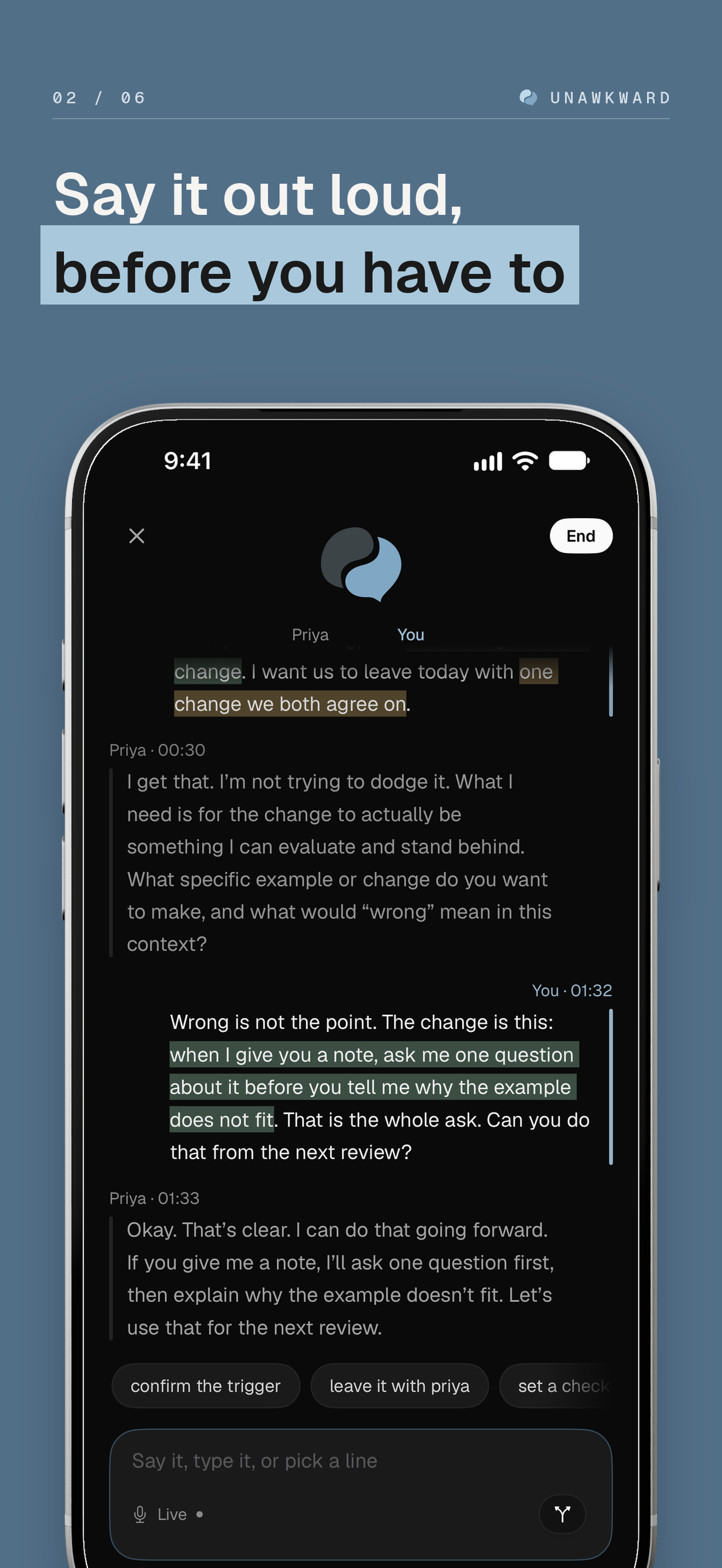
Rehearsal
Download PNG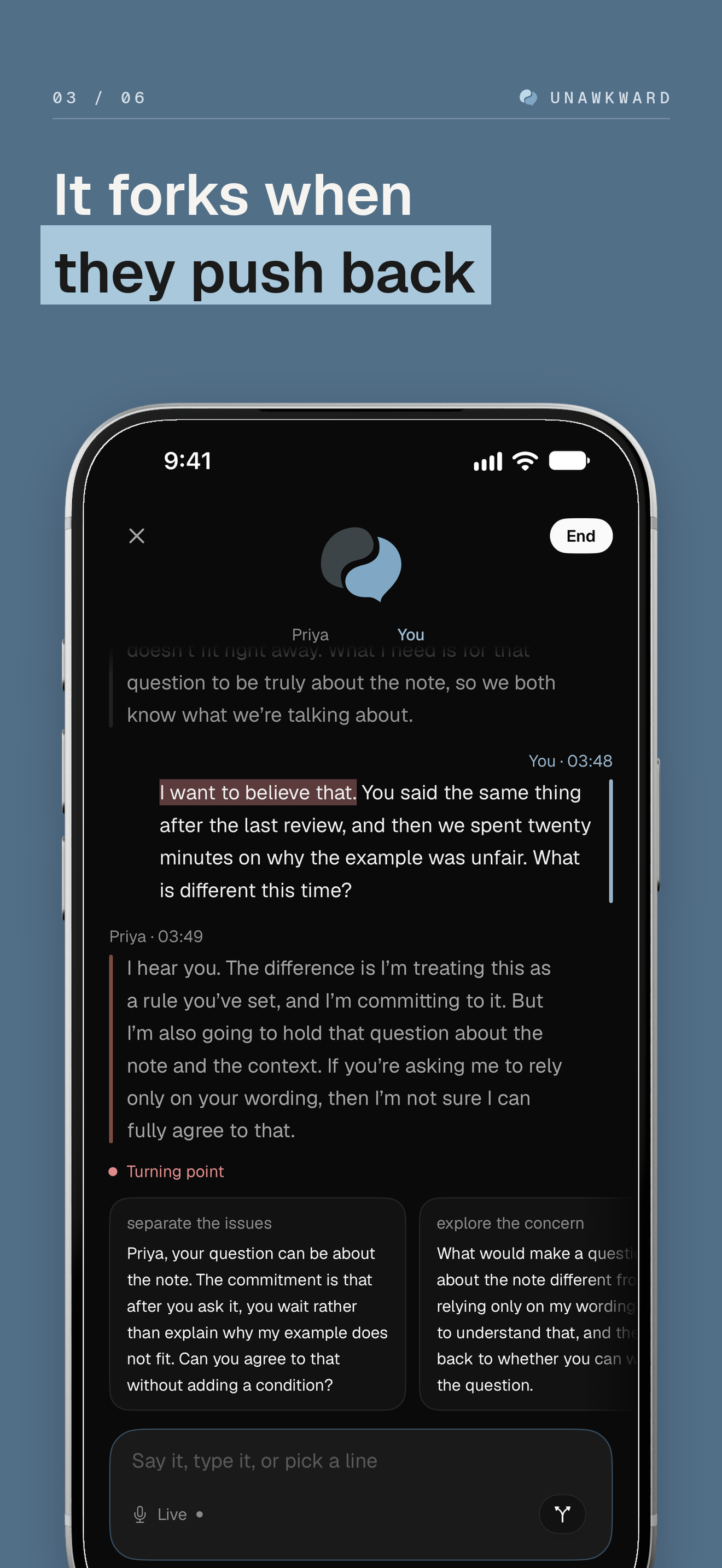
Turning point
Download PNG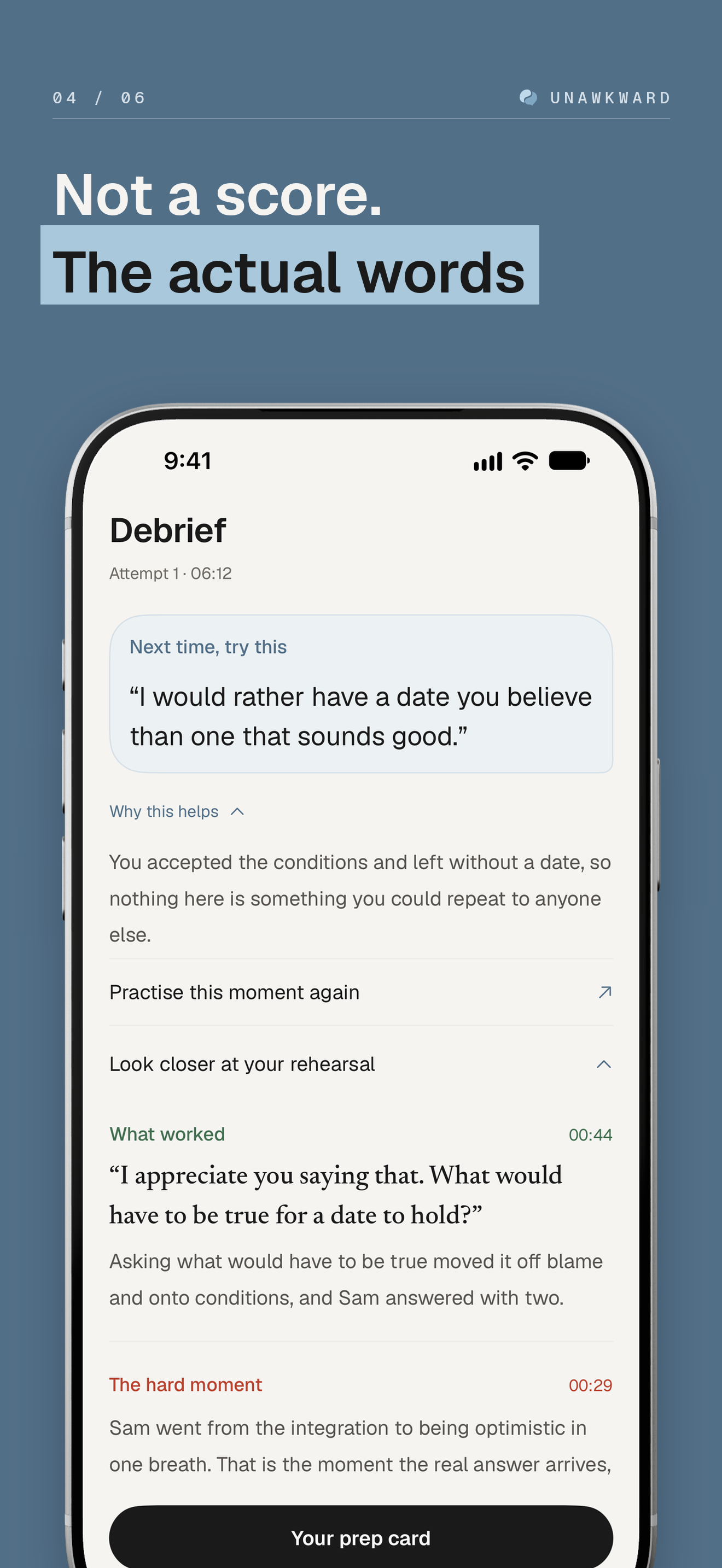
Debrief
Download PNG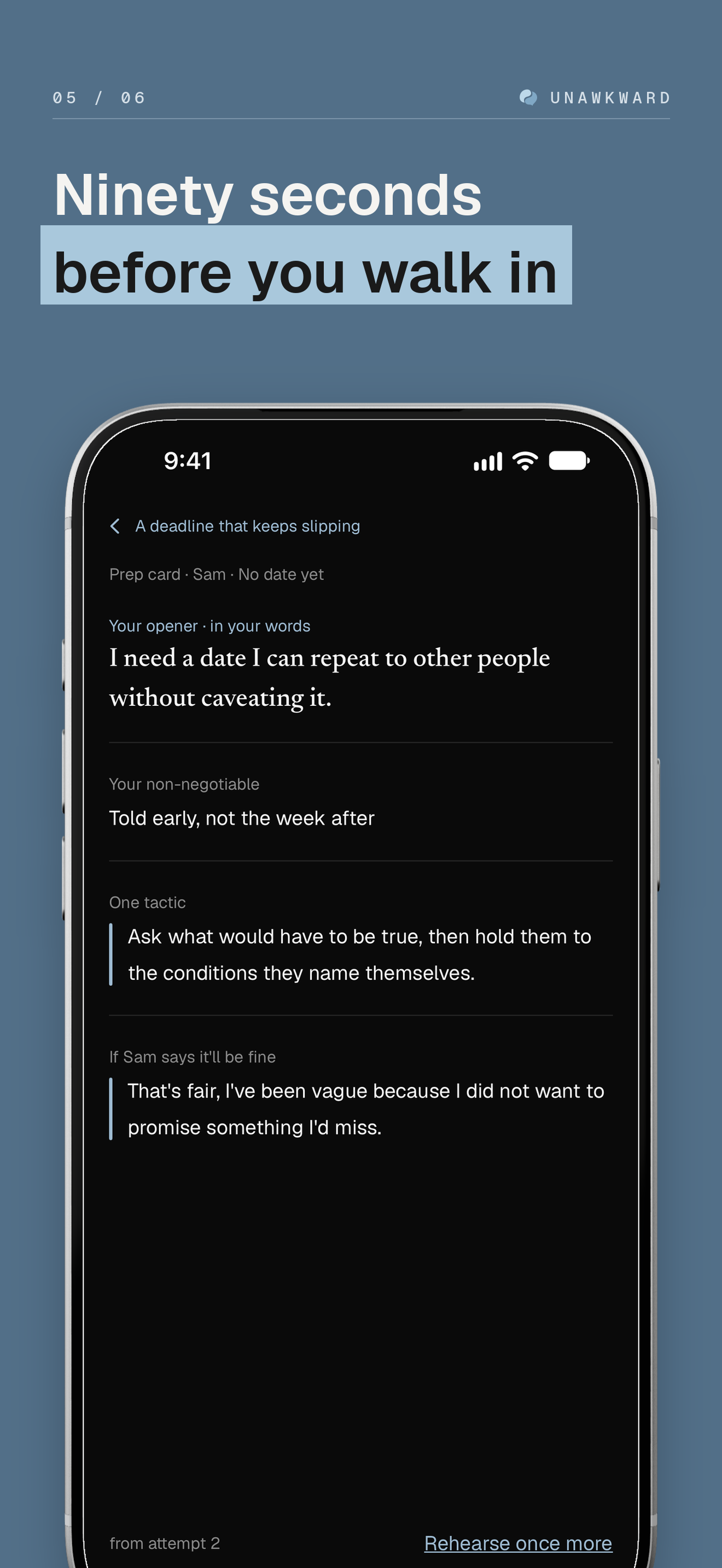
Prep card
Download PNG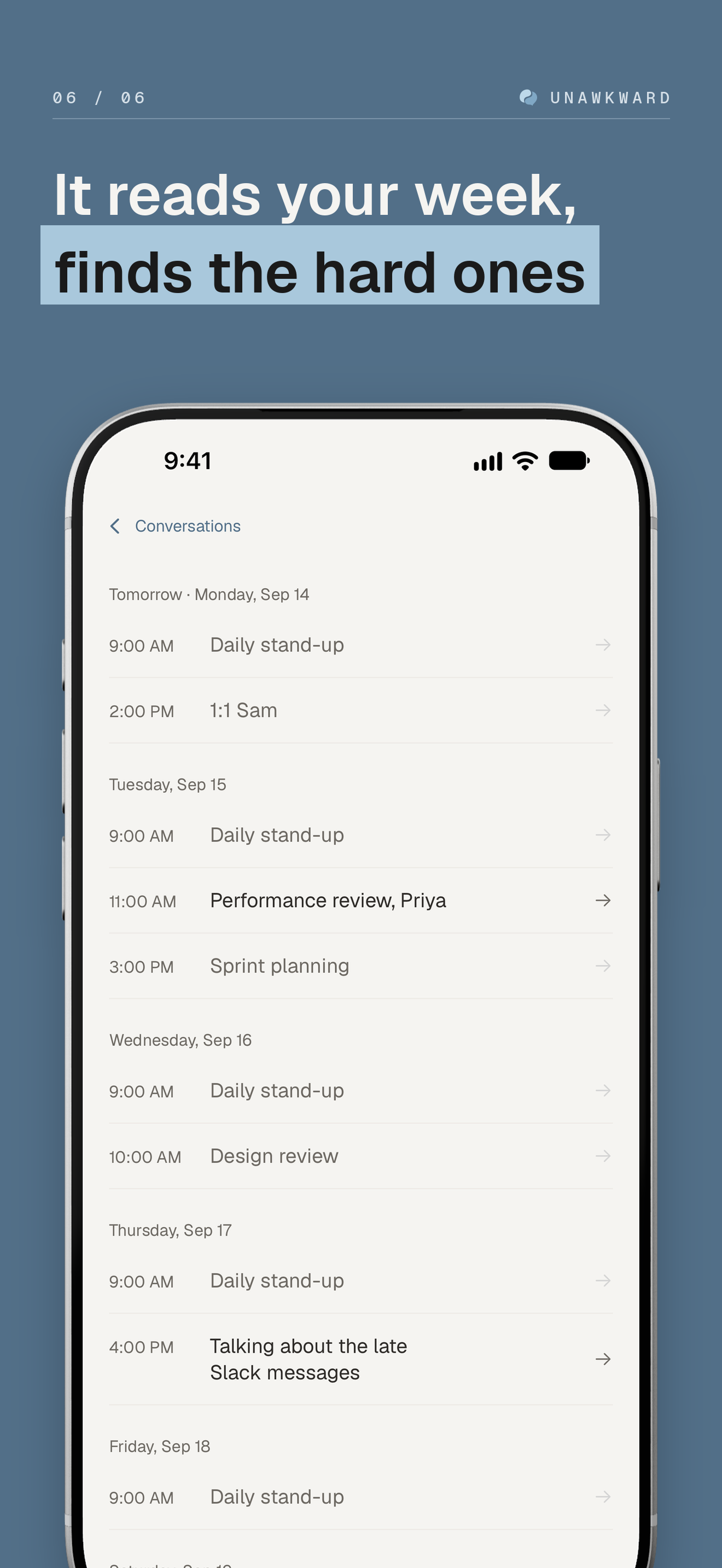
Calendar
Download PNGNeed something else?
I’m happy to answer questions or help with a story. Email hello@unawkward.app.